관련상품
-
상품 상세설명
Note before buying
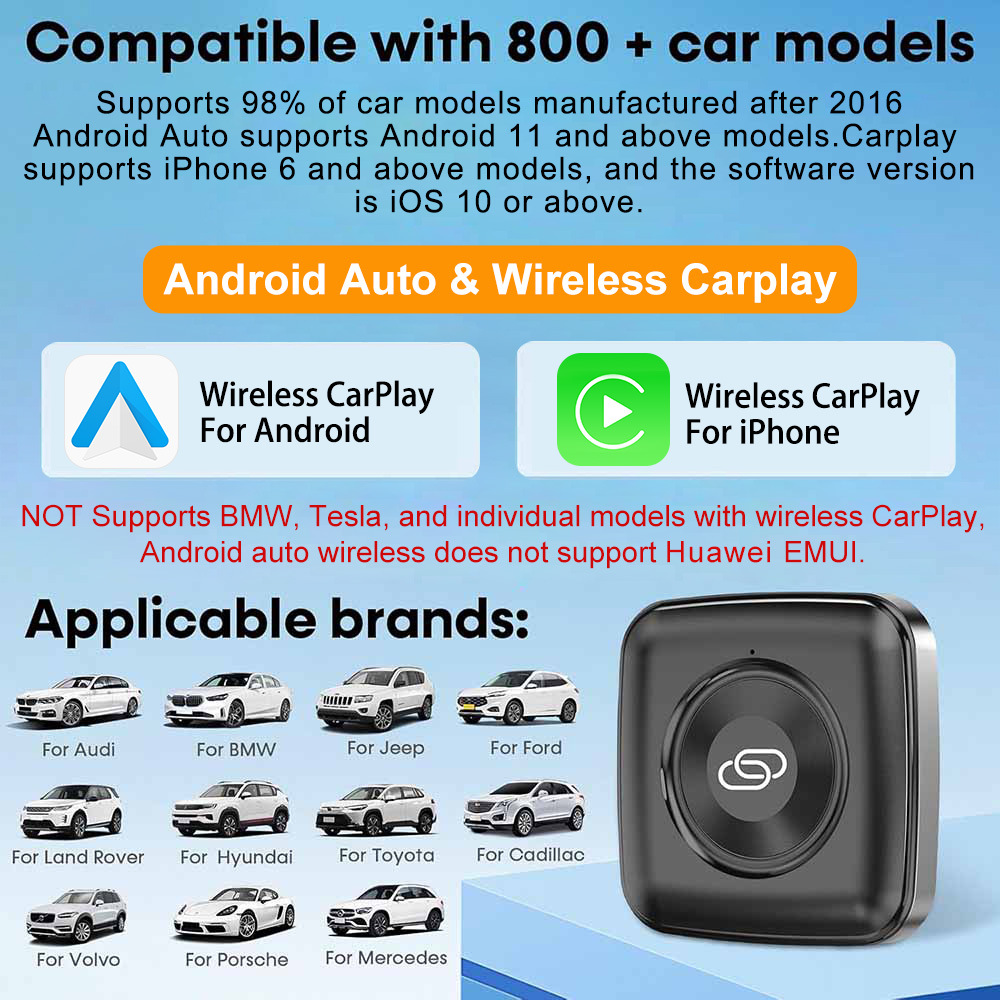
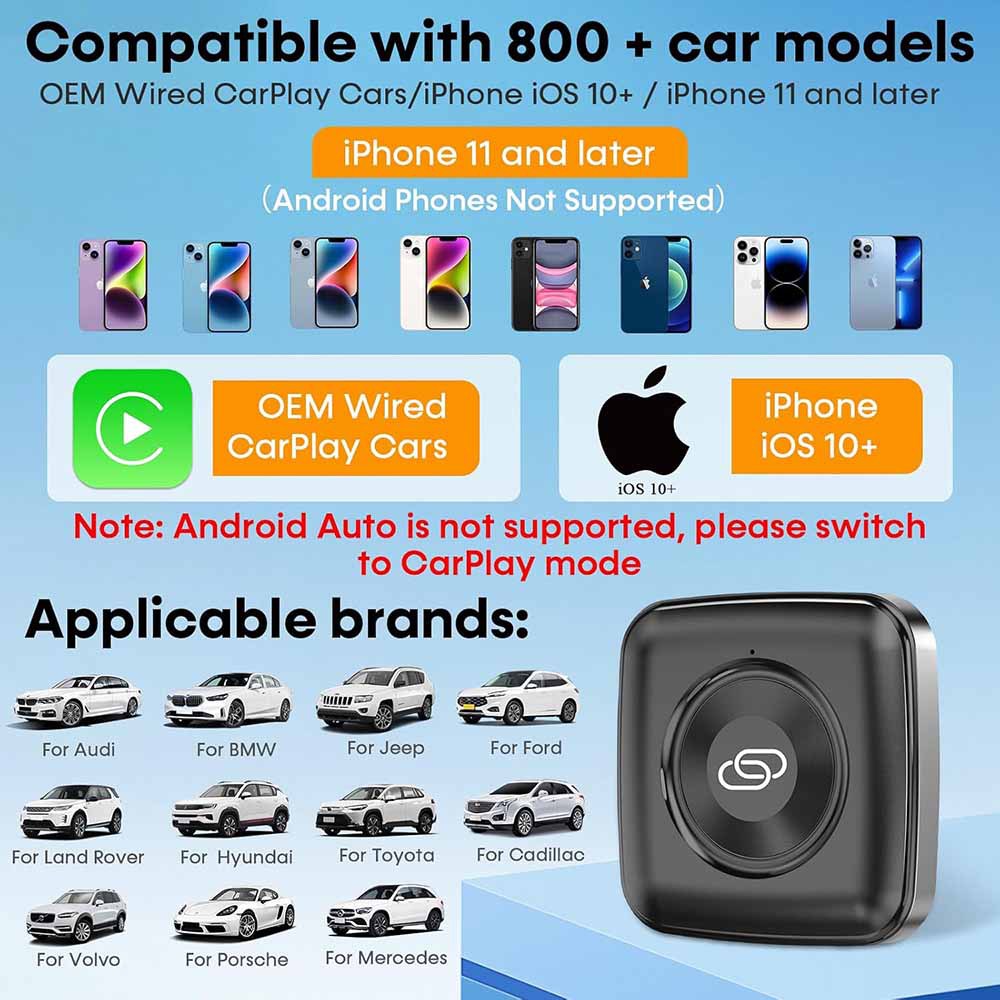
1. Please make sureyour original car has OEM CarPlay, This product is suitable for 98% of cars with original wired Carplay.BMW,Teslaand some models arenot compatible. If you are not sure. You can contact customer service to inquire.
2.For Carplay, it supportsiPhone 6 and above models, and the software version is iOS 10 or above.
3.For Android Auto, it supportsAndroid 11 and above models. Note that Huawei mobile phones are special. Huawei devices have their own mobile operating system - EMUI. Unfortunately,Android auto wireless does not support EMUI.
Compatible phones and vehicles:
1. iPhone: iPhone 6, iOS 10 and above versions
2. Android phones: Android 11.0 and later versions.
3. Support car models: cars with CarPlay and Android Auto.
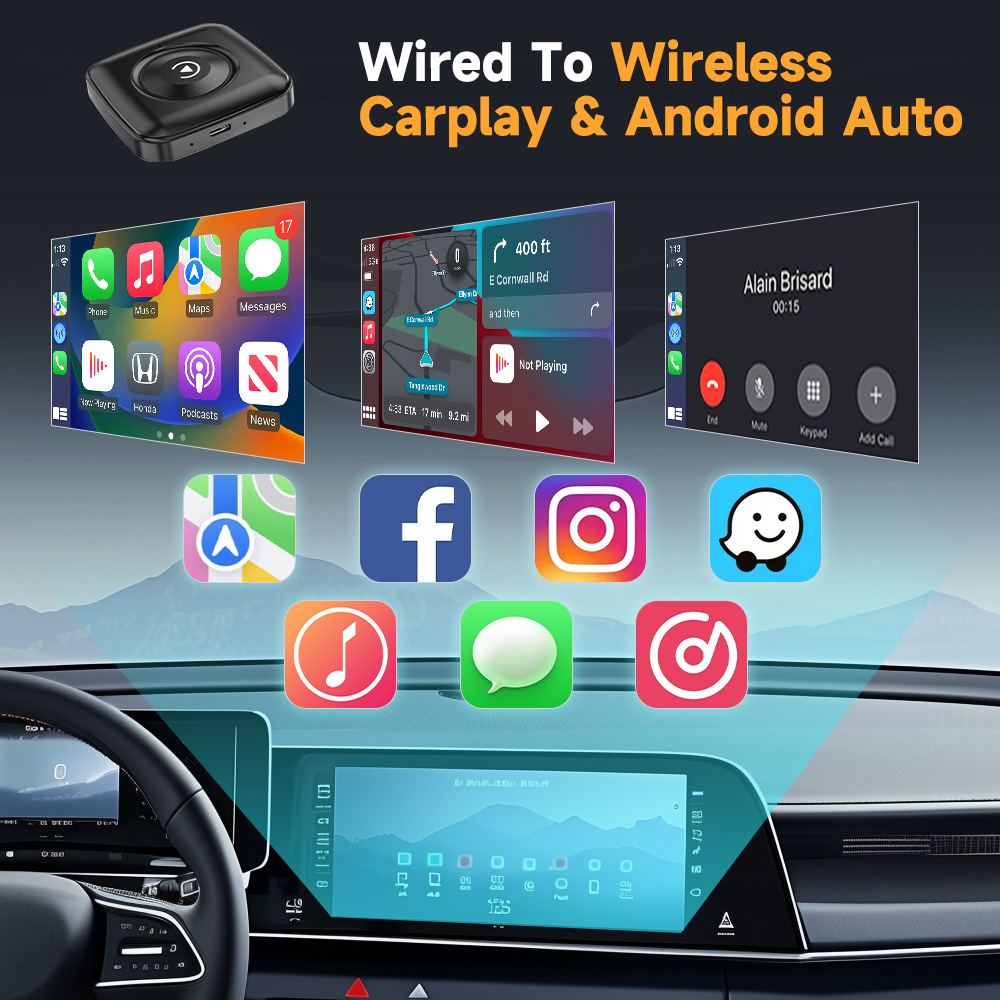
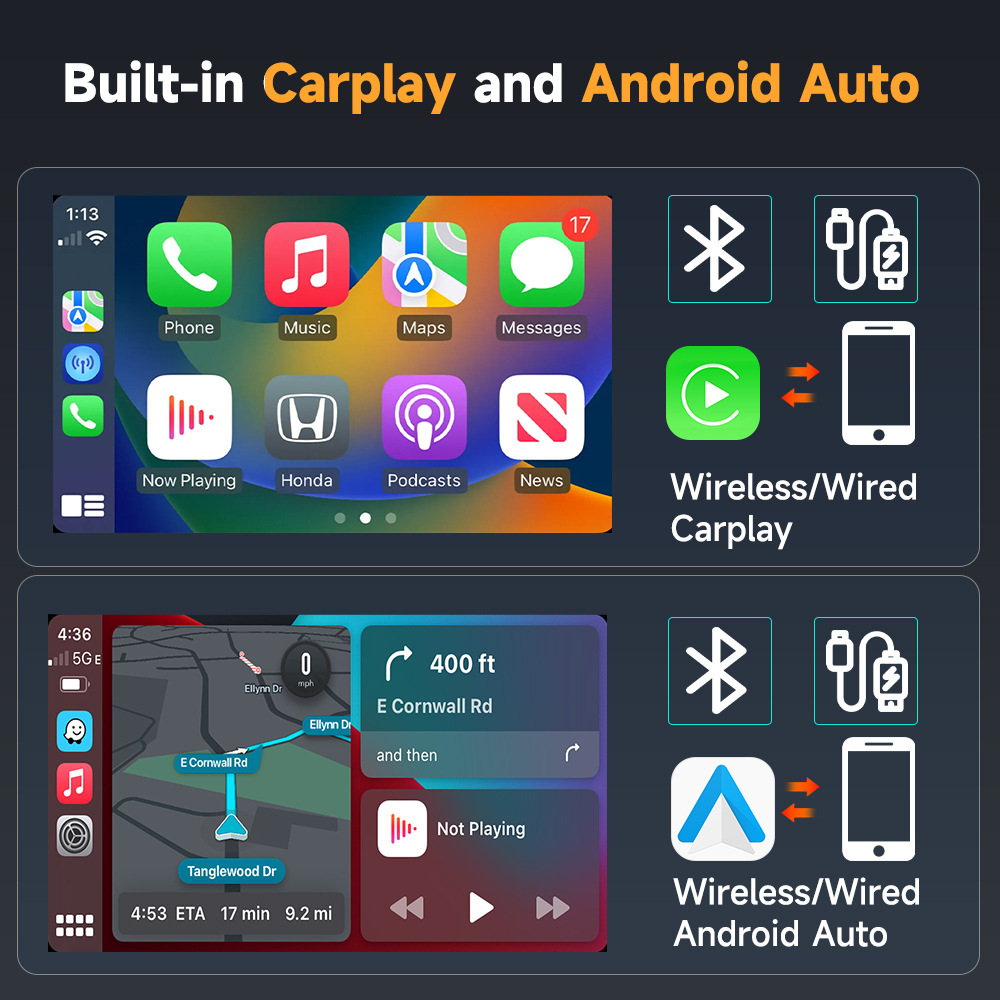
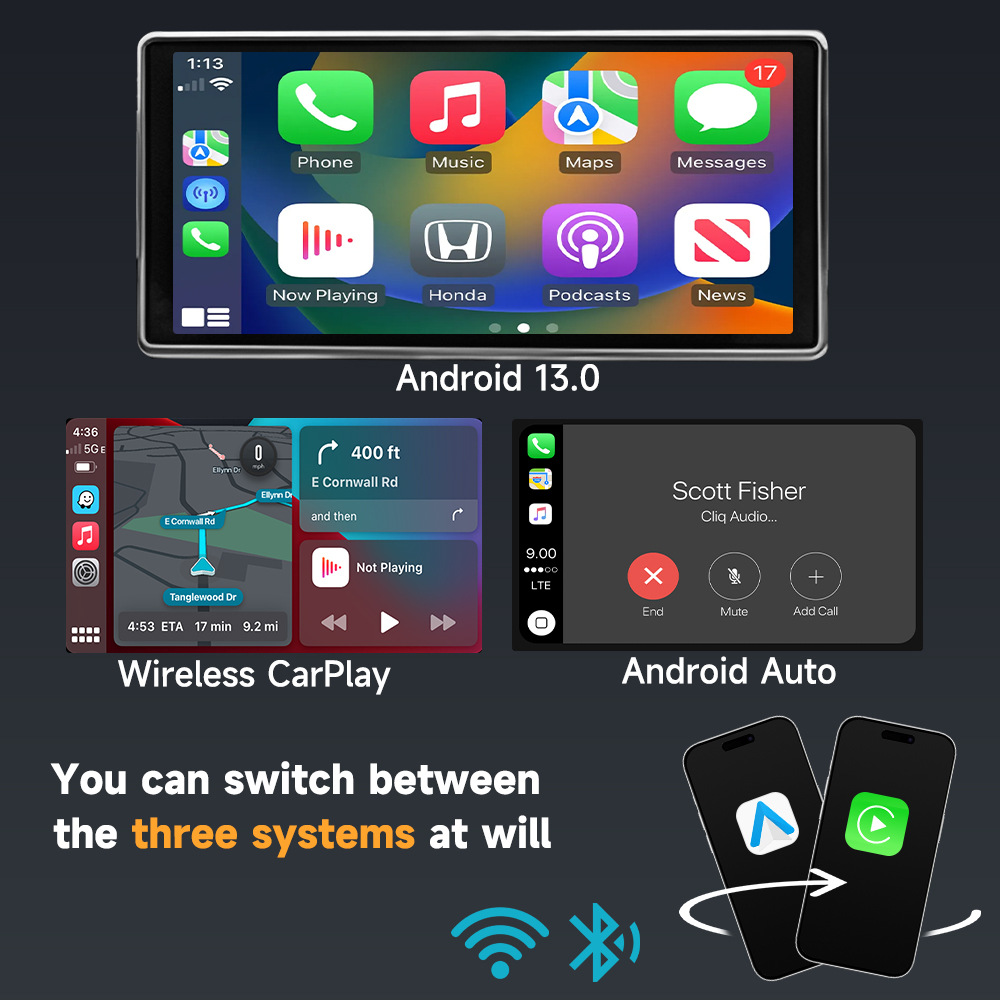
CarPlay and Android Auto Adapter
Online OTA upgrade,Multiple devices can be connected, devices of family and friends can connect and use at any time.
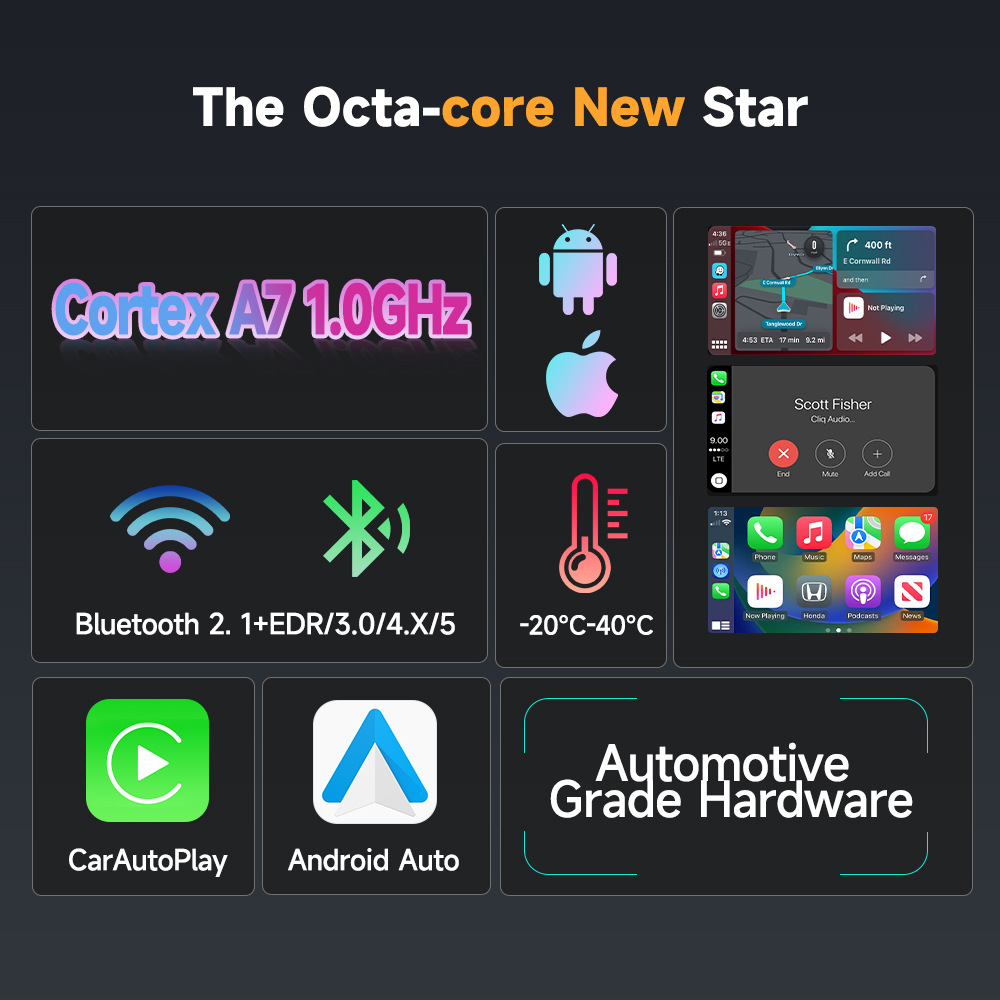
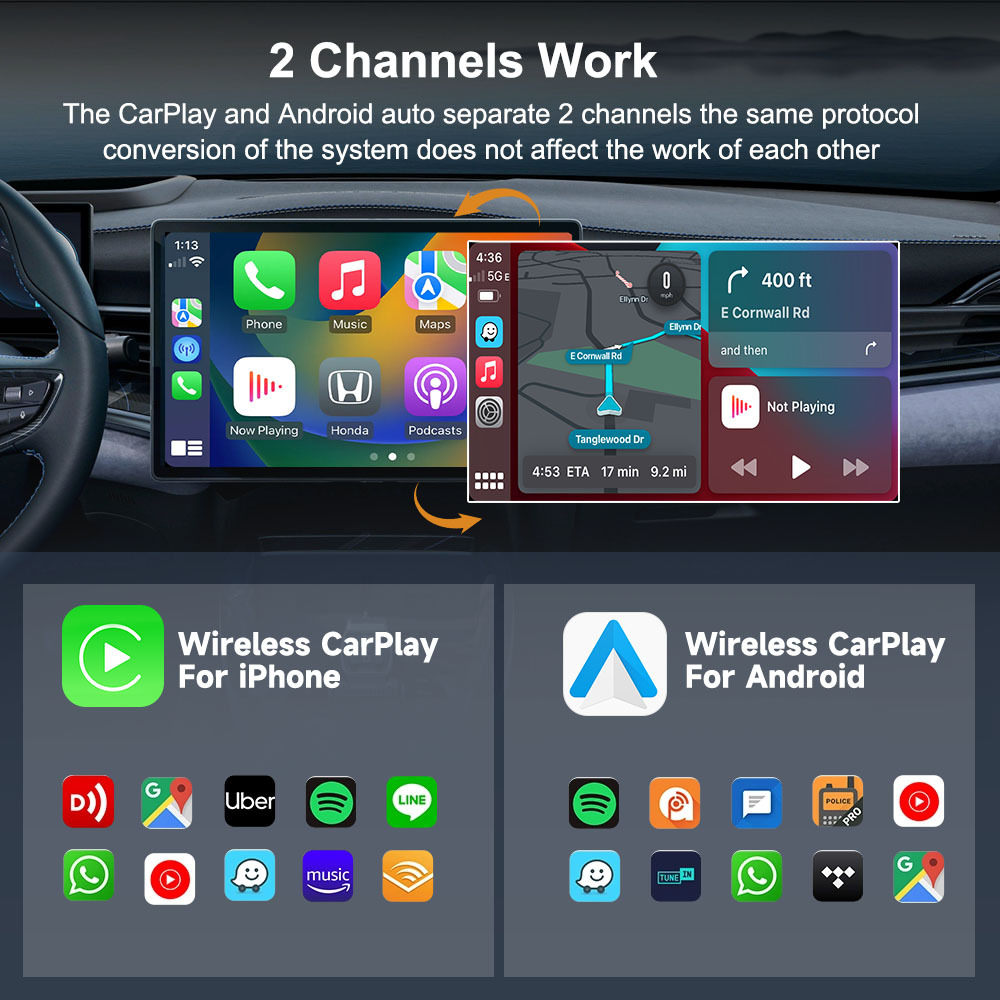
2 Channels Work
The CarPlay and Android auto separate 2 channels the same protocol conversion of the system does not affect the work of each other.
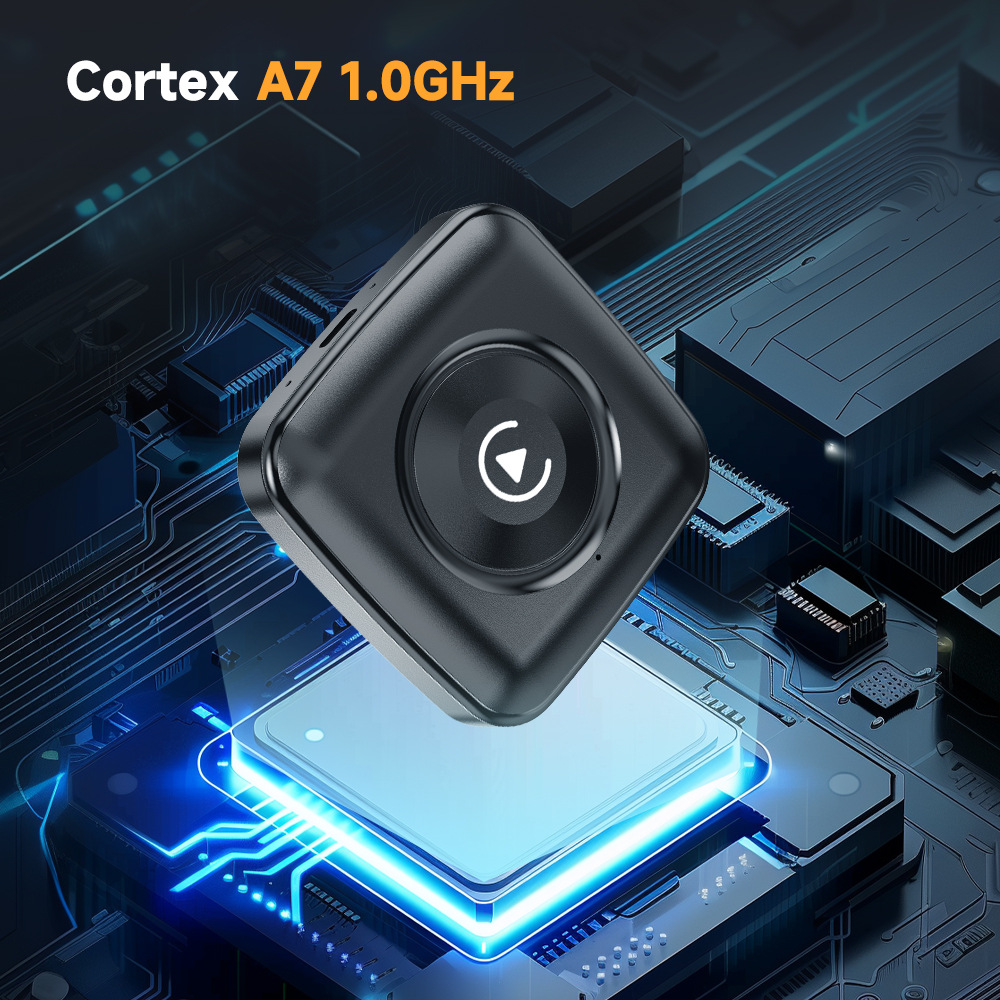
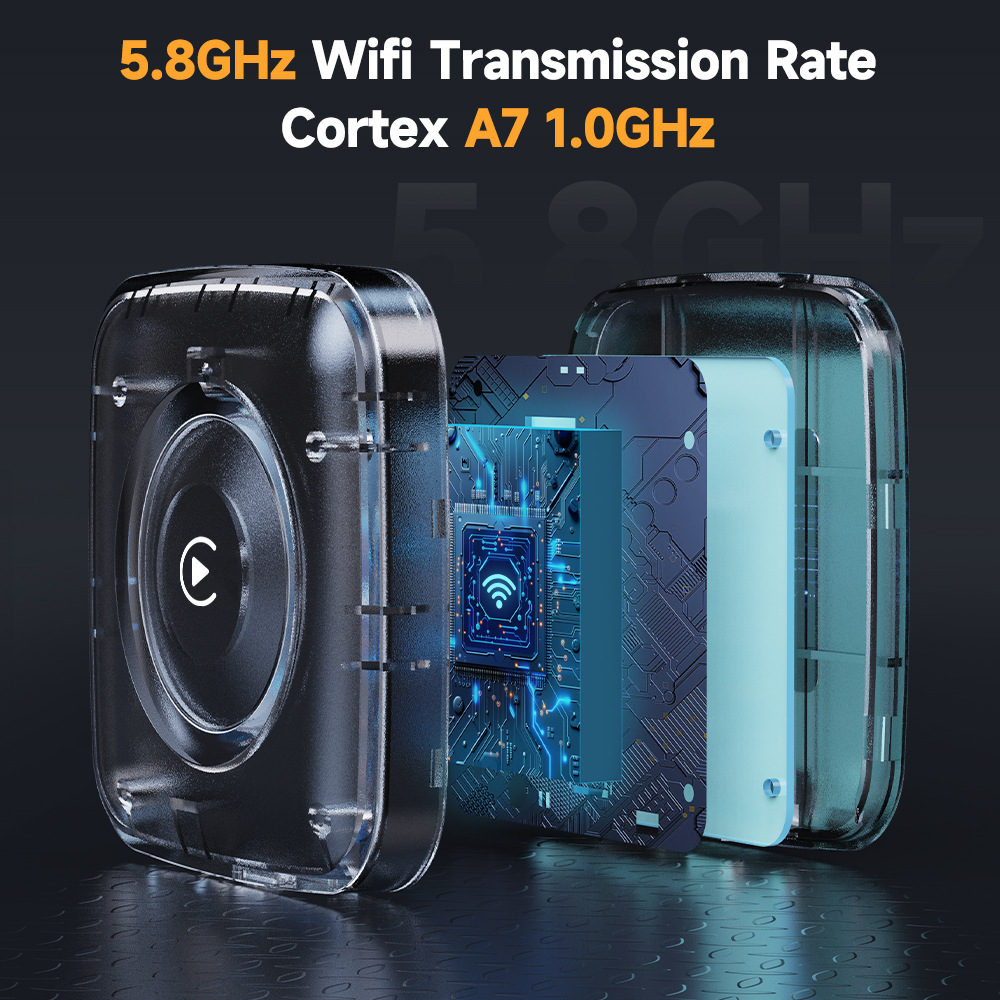
2.4G& 5.8GHz WiFi
Adopt advanced chip,Wifi Transmission Rate faster and more stable.
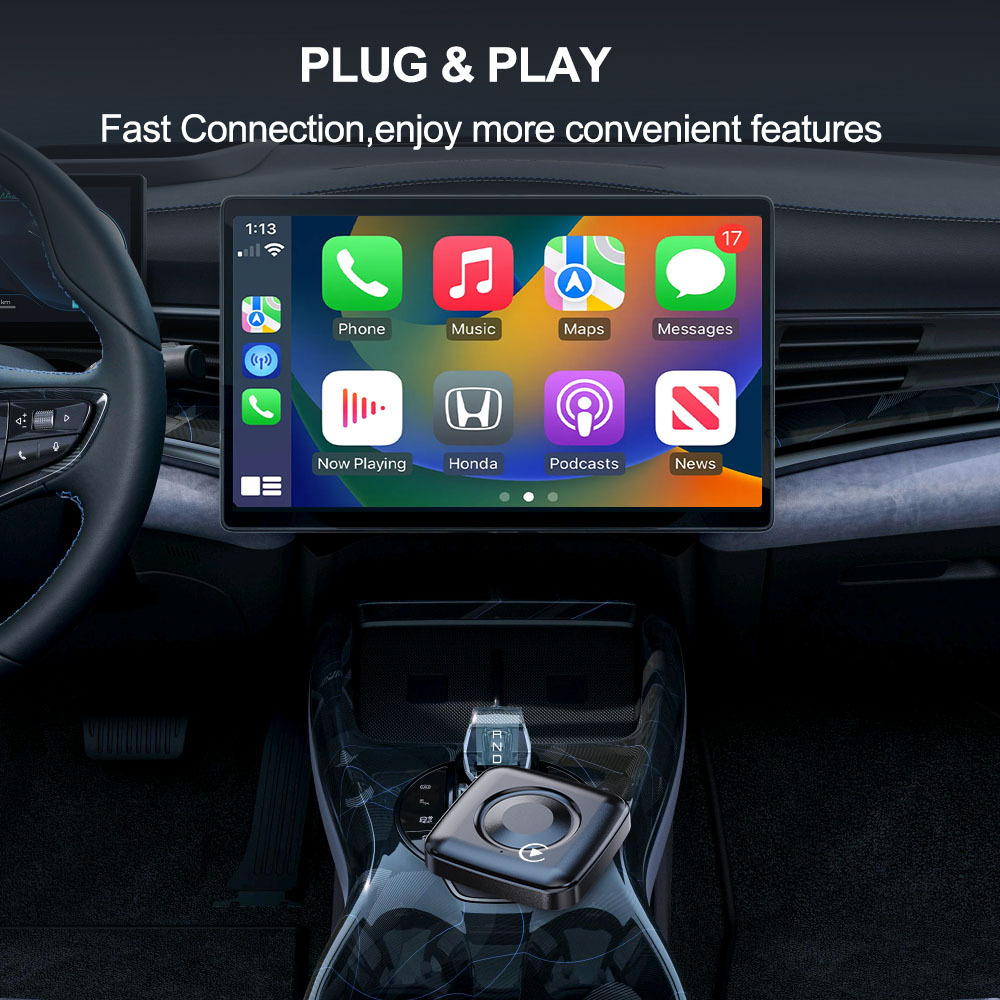
Plug and Play
Fast Connection,enjoy more convenient features
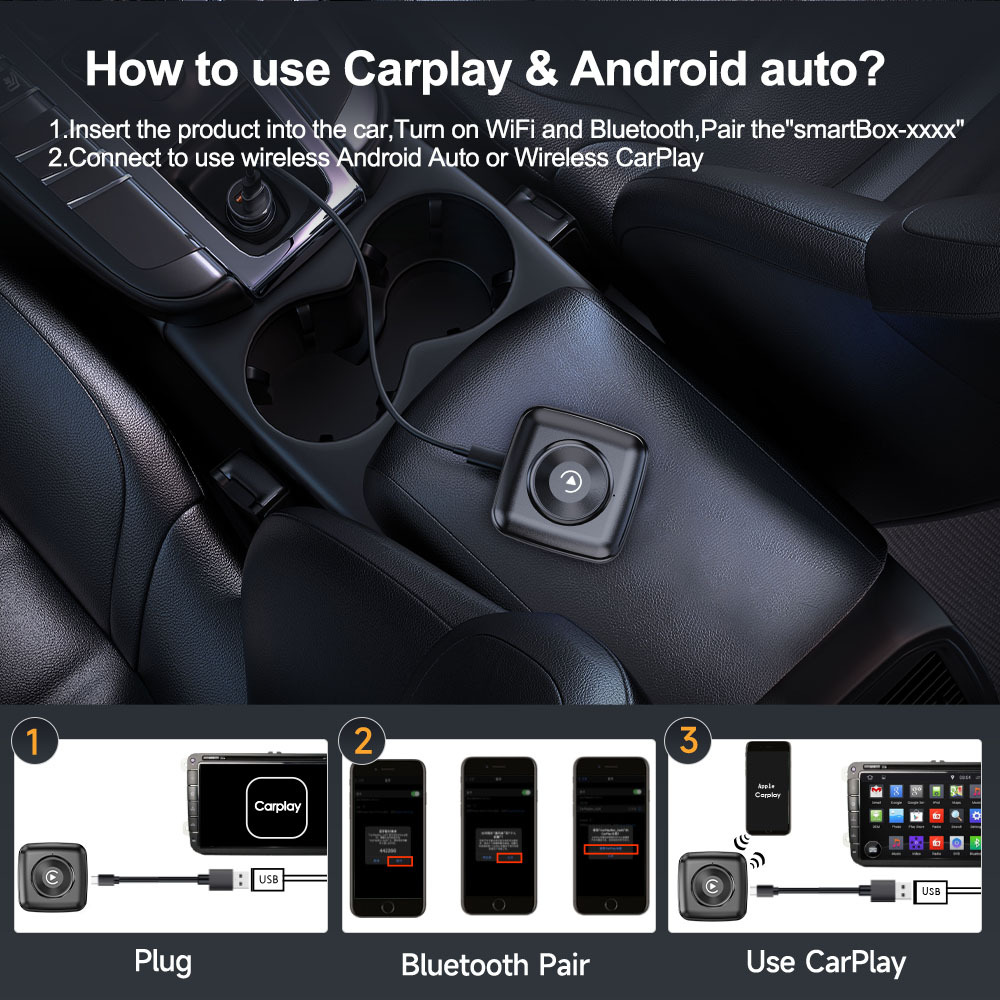
How to connect to wireless Carplay & Android auto?
1.Insert the product into the car,Turn on WiFi and Bluetooth,Pair the"smartBox-xxx"
2.Connect to use wireless Android Auto or Wireless CarPlay
Status when indicator light is connected:
1. Blue light flashing slowly: waiting for connection
2. Blue light always on: connected correctly
3. Blue light flashing rapidly: update
Product connection steps:
1. Connect the product to the USB/Type C port of the car.
2. Turn on Bluetooth and WiFi on your phone
3. Find the name of Bluetooth 'Smartbox xxxx' and connect it (When you first connect, the Bluetooth name may take 10-30 seconds to appear on your phone, please be patient.)
4. Click 'Pair' to connect to Bluetooth
5. A pop-up window pops up requesting 'Allow synchronization of contacts and bookmarks', click' Agree '
6. Wait for 5 seconds, the phone displays the access permission for CarPlay, and click 'Agree'.
7. Successfully logged in and displayed on the car screen.
Wireless Connectivity: Transform your wired CarPlay setup into a completely wireless experience with ease. The Wireless CarPlay Adapter eliminates the hassle of tangled cables and offers a clean, organized car interior while maintaining full CarPlay functionality for navigation, music, calls, and more.
Fast Connection: Experience ultra-fast, lag-free performance with advanced 5.8G WiFi and Bluetooth technology. Whether you're using CarPlay for navigation, music streaming, or making hands-free calls, this adapter ensures smooth and uninterrupted performance, even during long drives or in areas with weak signals.
Automatic Reconnection: No need for repetitive setups. This adapter automatically reconnects your iPhone to the CarPlay system every time you start your car. Whether your phone is in your pocket, bag, or briefly out of the car, the connection will be quickly re-established, providing a stress-free and hassle-free experience.
Plug-and-Play Simplicity: Setting up your Wireless CarPlay Adapter is incredibly easy—simply plug it into your car's wired CarPlay port, pair it via Bluetooth, and you’re ready to go. There’s no need for any additional apps, complicated instructions, or technical knowledge. Enjoy wireless CarPlay instantly with no setup headaches.
Broad Compatibility: Compatible with iPhones running iOS 10 or later and works with a variety of vehicles equipped with a wired CarPlay system. The package includes both USB and USB-C cables, ensuring universal fit and compatibility across a wide variety of car models, from sedans to trucks, SUVs, and more.
Question&Answer
1. How to confirm whether my car is compatible?
The following requirements must be met to use this product:
- Your car radio is original
- Your car has wired Carplay or wired Android auto
-BMW, Tesla and other models are not compatible. If you are not sure, you can ask customer service before purchasing.
2. Why can’t my Android phone connect to Carplay?
Android phones support Android auto, and Apple phones can use Carplay. Note that if you have a Huawei phone, you cannot use Android auto either.
3. Why is there a slight delay in the sound during use of the product?
Any product connected via Bluetooth will experience delays. This is a normal phenomenon. You can also improve it in the following aspects:
-Turn off redundant Bluetooth devices. There are too many wireless devices around, and unnecessary frequency signals will interfere with the product’s link.
-Disconnect and reconnect Bluetooth
4. Why can’t my wireless Android auto connect properly?
- For Android system phones with lower versions of Android 9 or Android 10, if you cannot find Android auto in Google services, you can download an Android auto software.
-Please confirm that the Bluetooth and WiFi of your phone are turned on. Android auto needs to use Bluetooth connection and WiFi to transfer data.
-Please confirm that the original car Bluetooth has been ignored on the mobile phone. If there are other Bluetooth connections, they need to be disconnected first.
-Please confirm that the product’s Bluetooth is not occupied by other devices. If you have used other devices to connect to the product’s Bluetooth, please disconnect first and try again.
-Huawei phones and Honor phones cannot use Android auto.
5.How to update the product?
-The wireless CarPlay adapter needs to be removed to a USB power adapter; join the Wifi devices naming 'smartBox_xxxx' on your iPhone with password: 88888888; Enter the IP Address 192.168.1.101 in your Safari Browser, and press 'click me to upgrade'; wait for a few minutes for upgrade.
「Note: Please forget the 'smartBox-xxxx' Networks after upgrading sucessfully.」
상품정보 제공고시
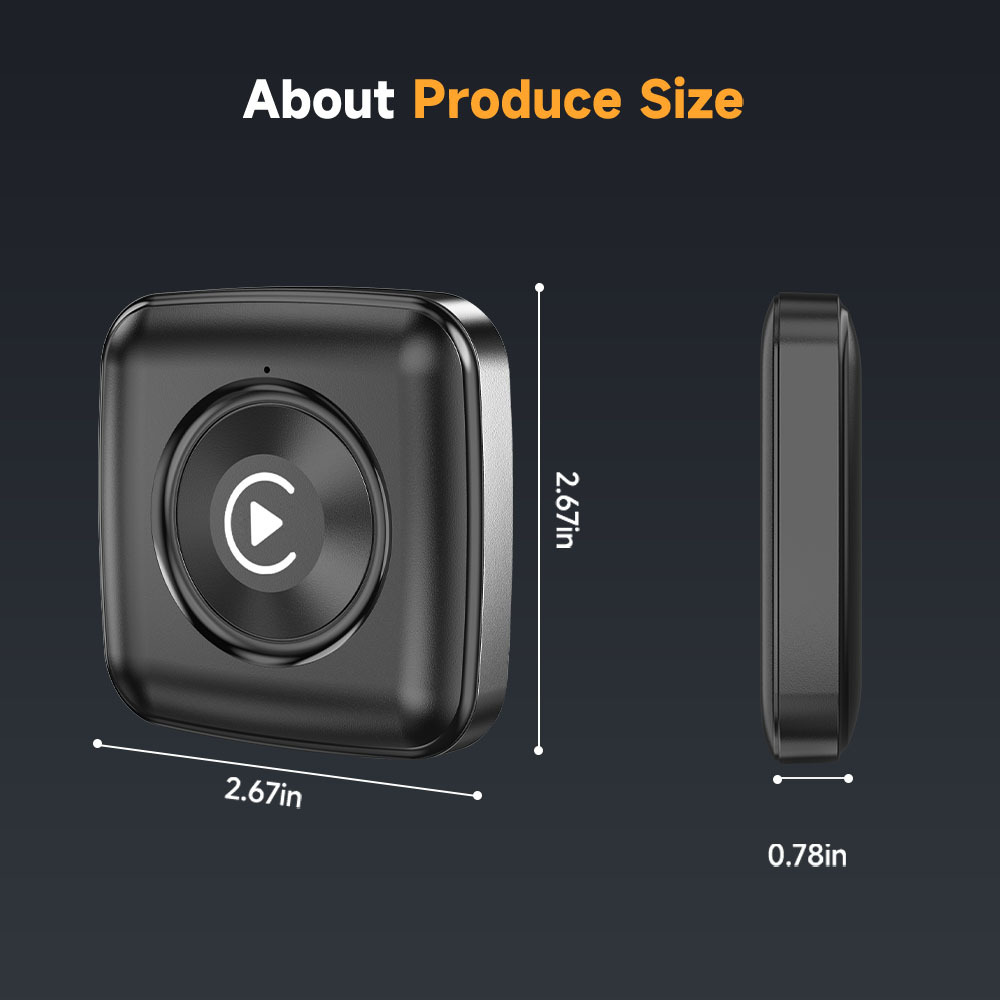
무게 130G 재료 ABS+PC 원산지 심천 맞춤형 처리 예 목적 carplay 업그레이드 안드로이드 박스 크기 126*94*42cm 전력 아무것도 없 신뢰도 비율 아무것도 없 상표 BEPOCAM 모델 ZC12 적용 가능한 모델 만능인 품목 번호 ZC12 주요 다운스트림 플랫폼 다른 주요 판매지역 다른 라이센스가 부여된 개인 상표가 있습니다. 예 국경 간 수출을 위한 독점 공급원인지 여부 예 사양 carplay and auto -
배송/교환정보
- 무통장 입금 계좌 안내

- 342-910021-74704 / 중판(주)